Produce your full product range in one go
You validate one visual. Then the work starts.
That one image still needs to be produced in multiple formats, across an entire product range, sometimes for different markets. In practice, that quickly turns into 100+ outputs for a single campaign and none of it carries over cleanly.
So you go back into the file.
You adapt it for a new ratio, adjust the framing so the product still holds, export it, then repeat for the next format. After that, you do the same thing across products. Each SKU needs to be placed, scaled, and checked again. It never matches exactly, so small differences creep in and you end up fixing them one by one.
By the end, the visual hasn’t changed, but the workload has. What started as one approved image becomes a long list of files, all slightly different, all handled separately.
Where the work actually is
The issue isn’t creating visuals. It’s producing everything that follows.
For a single campaign, you’re effectively dealing with formats multiplied by SKUs. One visual, six formats, twenty products - that’s 120 outputs. Handled manually, that means 120 files, 120 adjustments, 120 checks.
Why this gets out of hand
Most teams try to speed this up with better tools or AI. It helps generate images faster, but it doesn’t give you a full set you can actually use as-is. Outputs don’t align perfectly from one version to another. Proportions shift slightly, labels move, reflections change. Each image works on its own, but not as part of a consistent rollout.
So every version still needs to be checked, adjusted, often rebuilt. You can generate faster, but you still have to fix everything after.
What’s actually broken
The only way this changes is if you stop treating each output as a separate task.
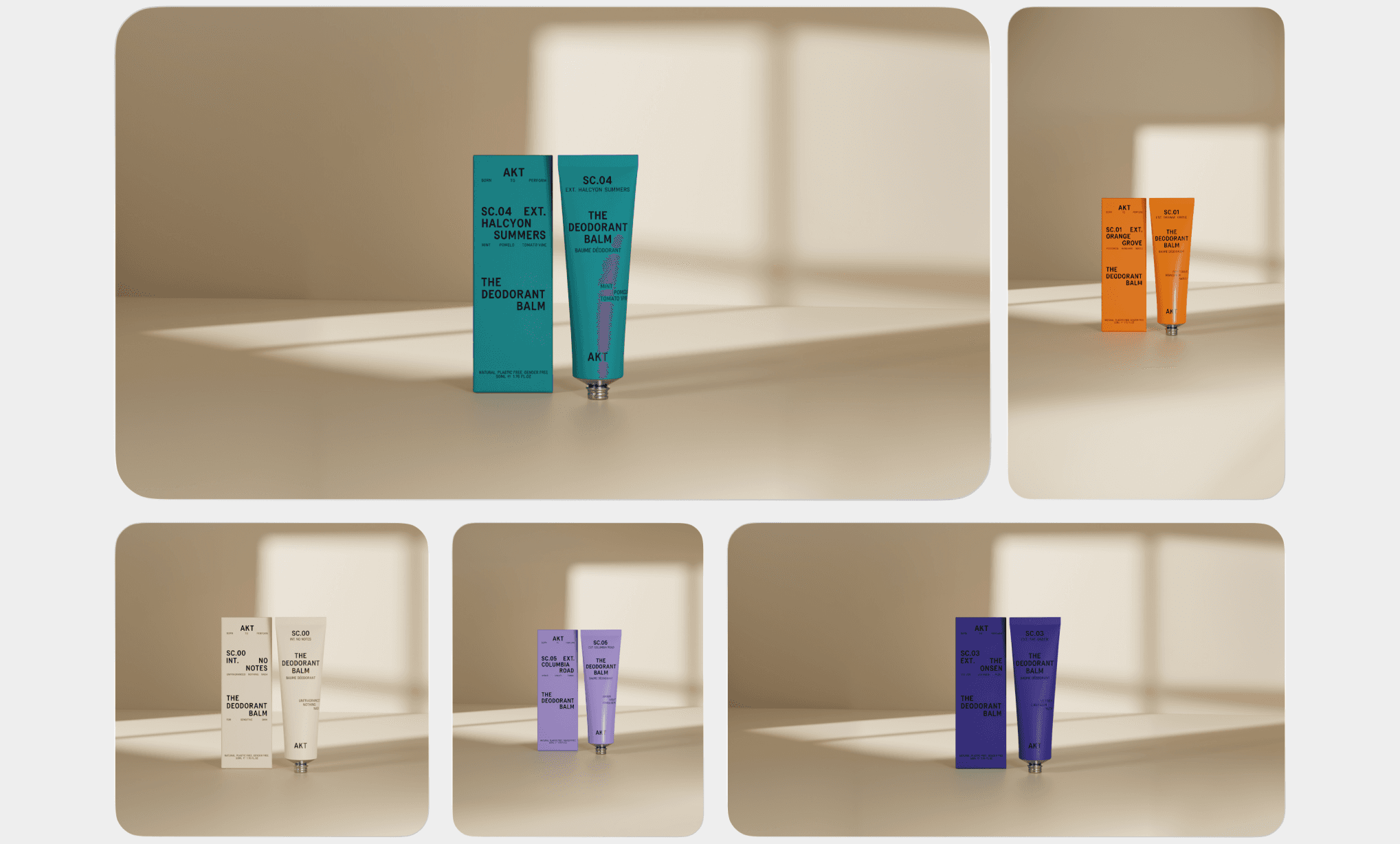
Instead of producing images one by one, you define a setup. A setup is simply a fixed scene - camera, lighting, composition, and how the product sits within it. Once that’s in place, you’re no longer rebuilding each version. Formats are generated from the same setup, and products are placed into it, following the same rules every time.
A setup is just a defined scene:
how the product sits,
how it’s lit,
how it’s framed.
That’s what removes the variation between outputs. Not manual alignment, but shared logic.
What it changes day to day
You’re not juggling folders full of slightly different versions anymore.
You’re working from one setup that produces everything you need.
So instead of:
exporting and resizing files,
duplicating scenes
fixing alignment issues.
You spend your time getting the setup right once. And once it’s right, everything that comes out of it is usable.
Where Omi fits
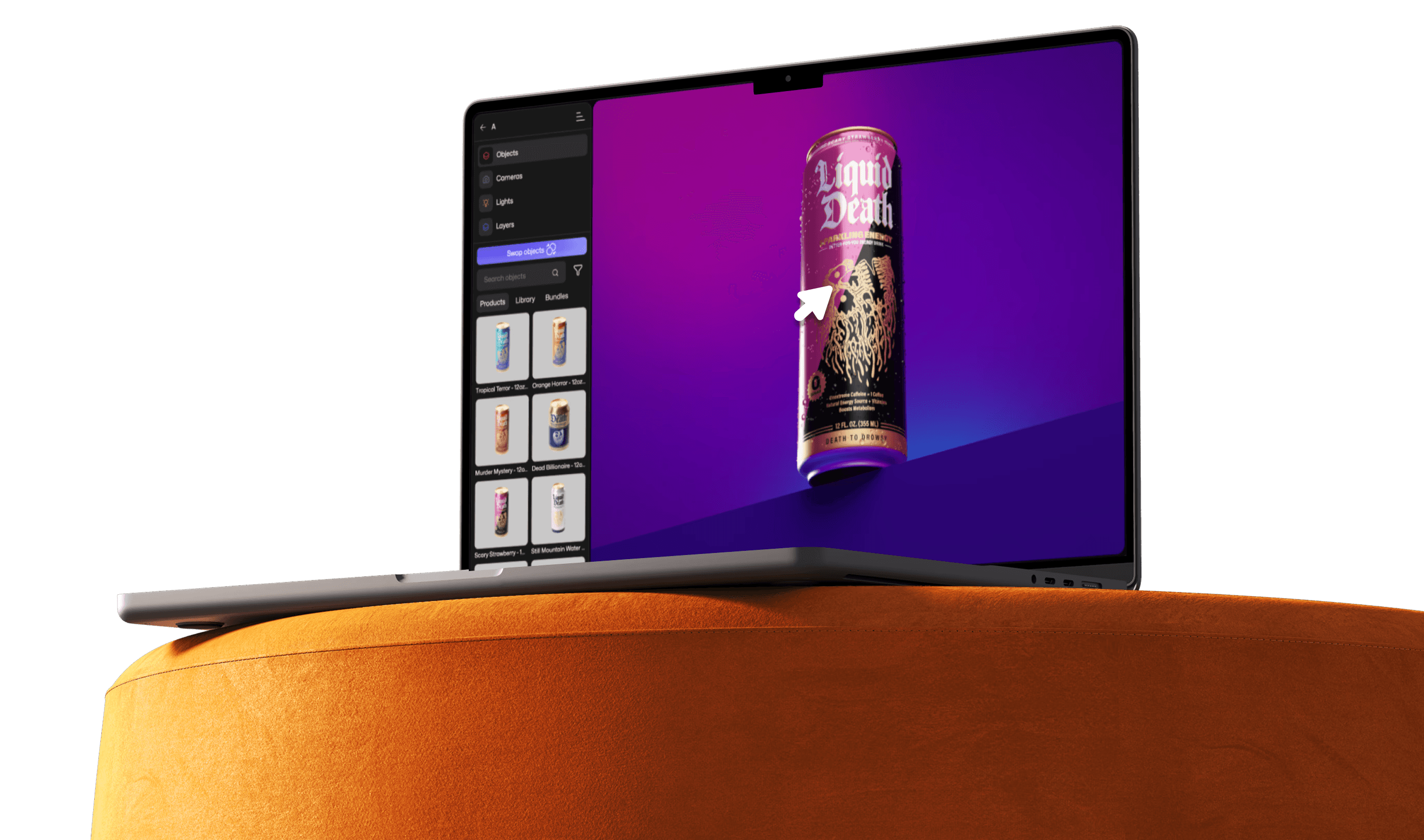
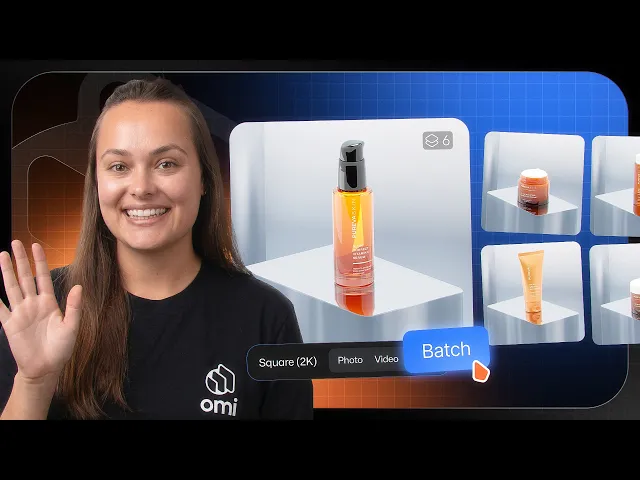
This is exactly what Omi's feature 'Batch Render' is built for.
You set up your scene once. From there, you can generate all the formats you need and apply that same setup across your full product range, without rebuilding anything for each version.
Same scene. Same product behavior. No surprises when you scale it out.